Setting Up Your Payout Account for Rental Income
Key takeaways
- Access the Realty app and tap the settings icon to start.
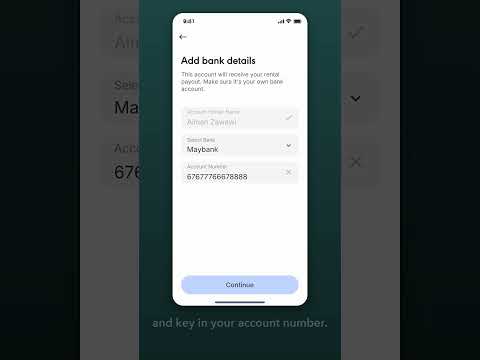
- Select 'Payout account' under Rental Income to set up your account.
- Ensure the account is in your own name for successful payouts.
- Double-check your details before confirming the setup.
- You can update your payout account anytime in the Settings.